Introduction
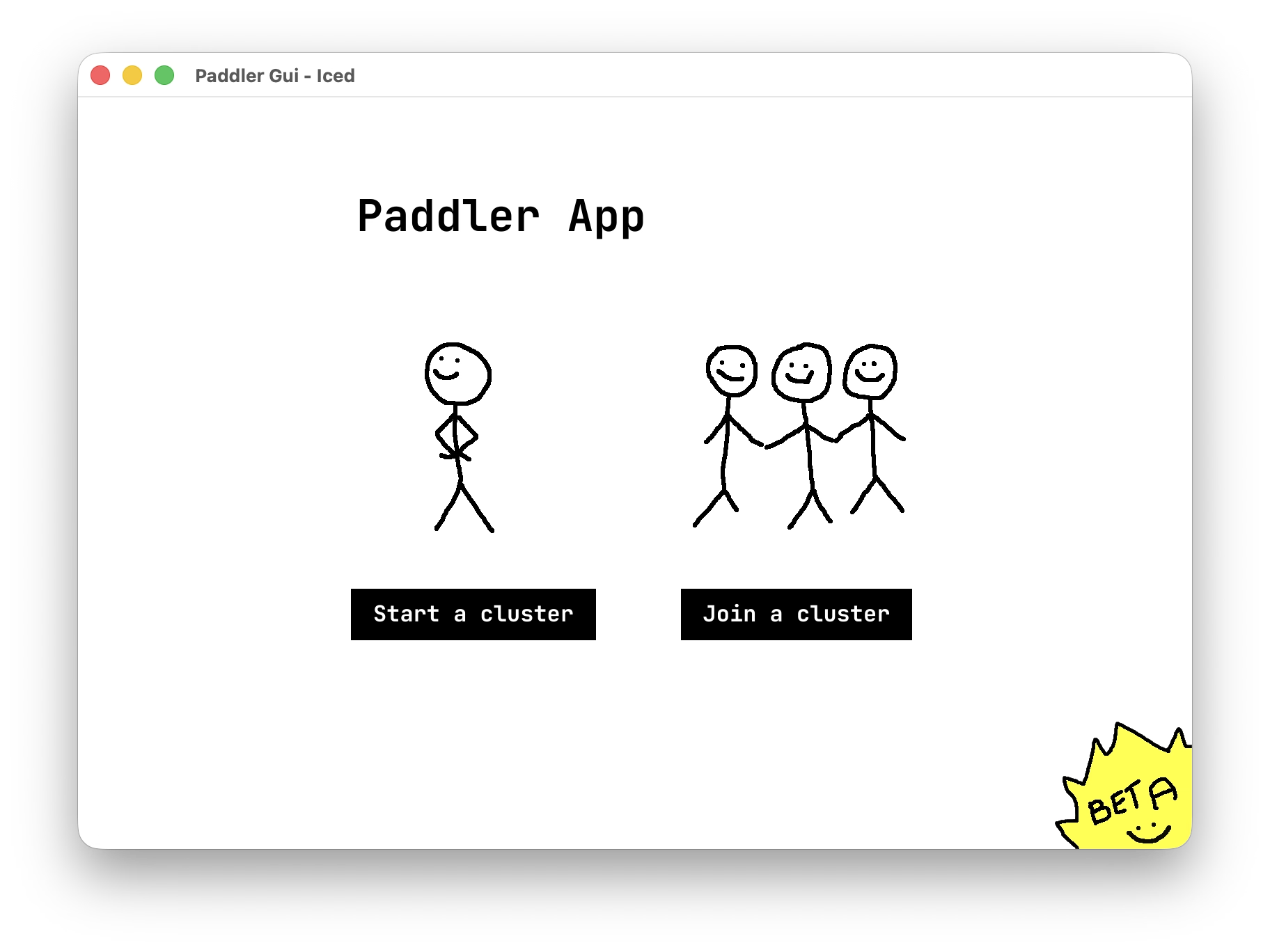
Paddler comes in two versions: a command-line interface for infrastructure use, and a desktop application for more casual use cases, like using multiple laptops and PCs in a local AI cluster or setting up an office-wide company second brain, without using a console.
Example use cases
A common use case for Paddler's desktop application is having one person run a cluster on their machine while others join it as agents from their own machines. This way, a group of people in a network can share the computational power of their devices to run a local open-source LLM cluster.
For example, in an office, one person can act as the cluster manager while their teammates connect to the cluster as agents from their own computers. The same setup can work for students at a university, a group of friends working on a project, or any other team that wants to run their own LLM cluster using the devices they already have.
The desktop app is still in beta :)
Paddler's desktop application is still in beta. Things mostly work, but you may run into bugs or rough edges as we keep improving it.
If you have feedback, want to contribute, or have ideas for what we should build next, we'd love to hear from you. Feel free to open an issue, send PR, or reach out to us in any other way on our GitHub repository.