OpenCode
OpenCode works with any OpenAI-compatible API, so it can use your Paddler cluster as its model provider.
Start the balancer with the OpenAI-compatible service
OpenCode connects through Paddler's OpenAI compatibility service. It is not enabled by default, so make sure to start the balancer with the --compat-openai-addr parameter:
Load a model that supports tool calling
Load a model that supports function calling. OpenCode edits files through tool calls, so without it, you'd only get descriptions of the changes.
Configure OpenCode
Paddler is not one of OpenCode's built-in providers, so you need to add it as a custom one. Below is an example of an OpenCode config; you can put it in opencode.json in your project root, or in ~/.config/opencode/opencode.json if you want it available everywhere:
A few things about this configuration:
baseURLis the address you passed to--compat-openai-addr, with/v1at the end.The model id is only a label. Paddler ignores the model name in a request and routes it to whatever model your cluster currently has loaded, so it does not need to change when you swap models.
You can find more information about adding a custom provider in OpenCode's documentation.
Run OpenCode
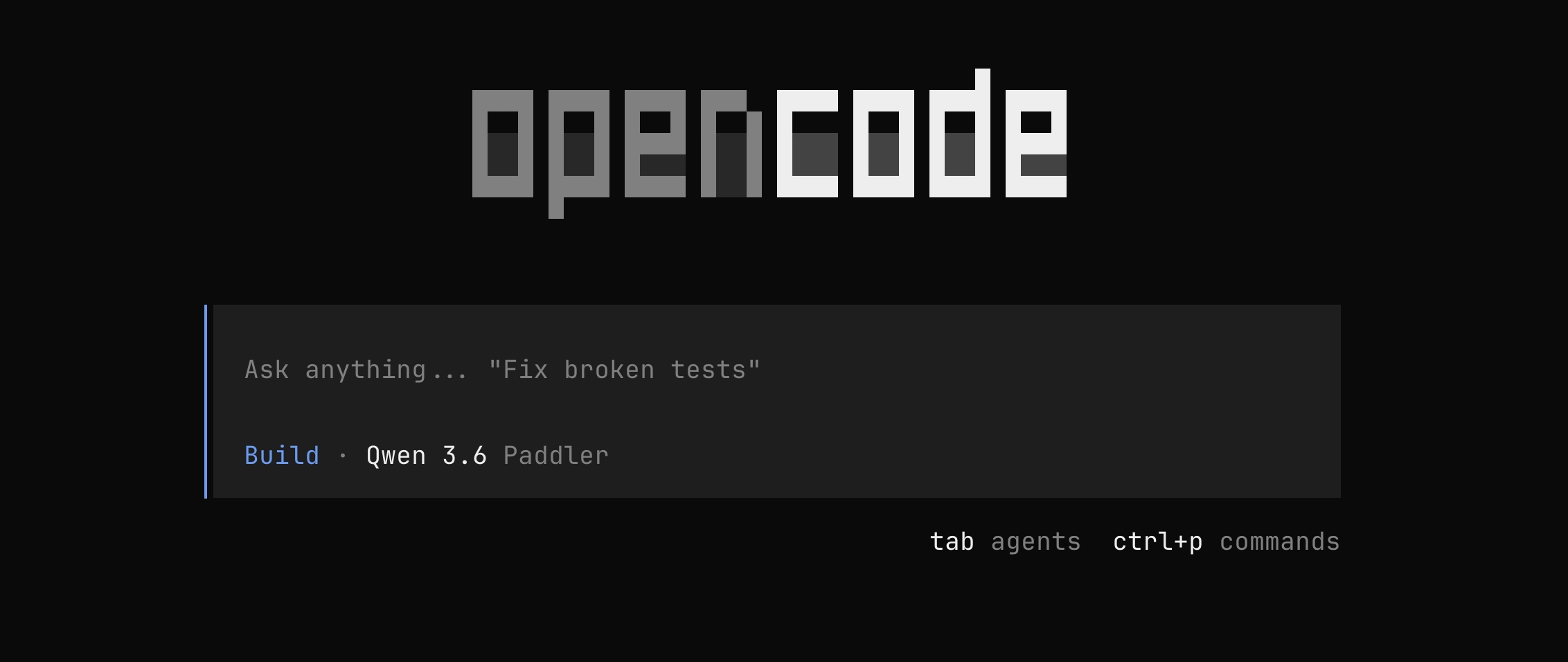
Finally, run opencode in your project. Paddler will show up as a provider, with the models you declared in the configuration, for example: