Model swapping
One of Paddler's most useful features is that you can change the model your cluster serves at any time, dynamically, without restarting the balancer or the agents.
You swap the model exactly the way you set it in the first place: you update the balancer's desired state and point it at a different model. See Loading models and models cache for the available model sources (Hugging Face, a direct URL, or a local file) and the full request format.
The moment you apply the change, the balancer hands the new desired state to every connected agent, and each agent loads the new model and starts serving it. You do not need to restart anything or touch the agents directly.
Through the web admin panel
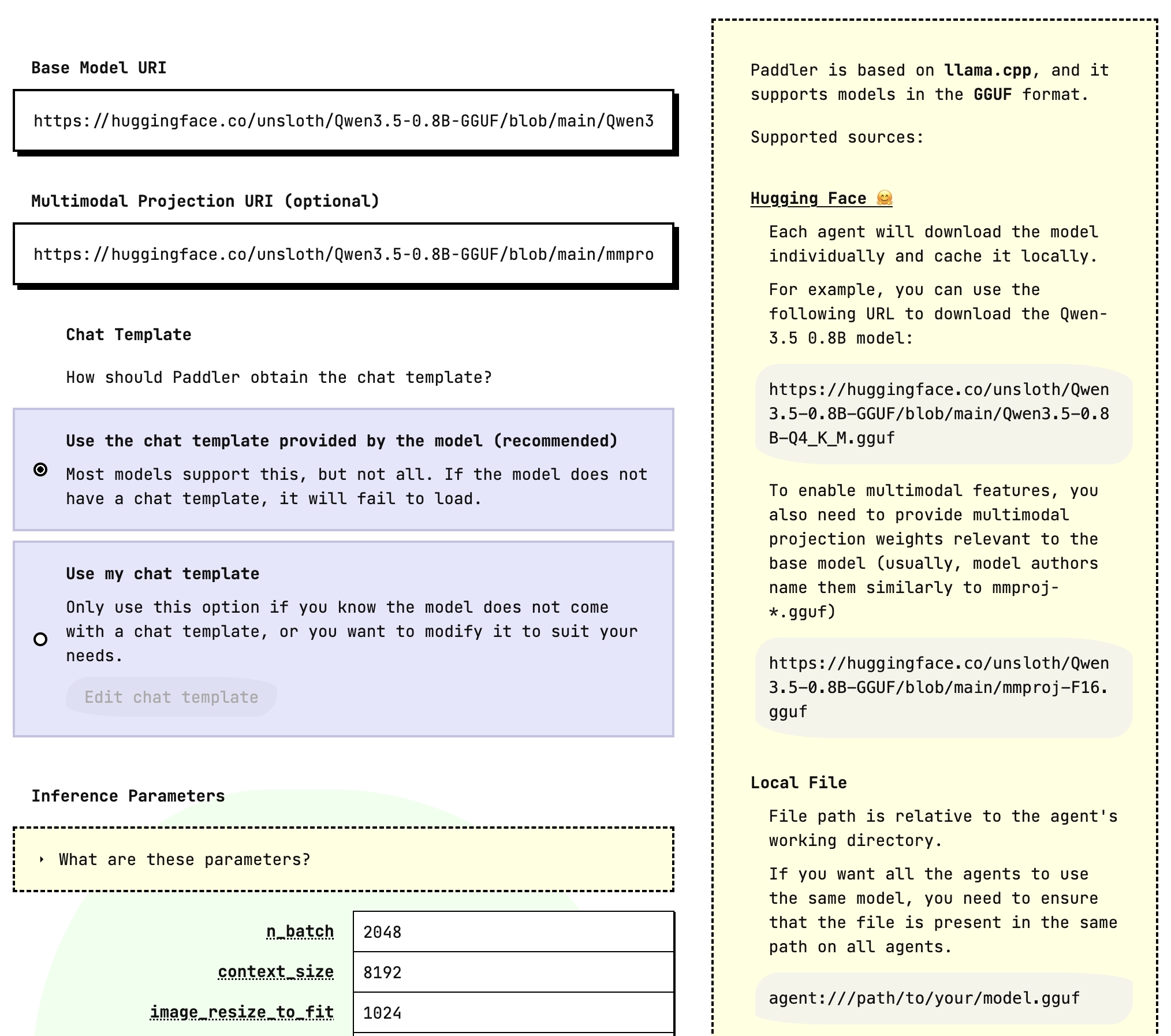
In the "Model" section, change the "Base Model URI" (and the "Multimodal Projection URI", if you use multimodal models) to the new model, then click "Apply changes". The agents switch automatically.
Through the API
Send a PUT request to change the balancer's desired state with the new model, the same request you use to load a model initially. As soon as the balancer stores the new state, the agents switch to the new model.